
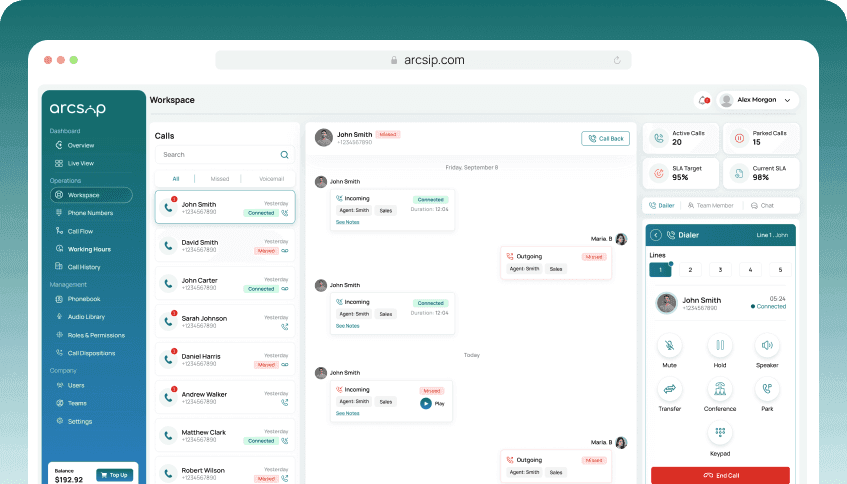
Locate and Access the Dialer
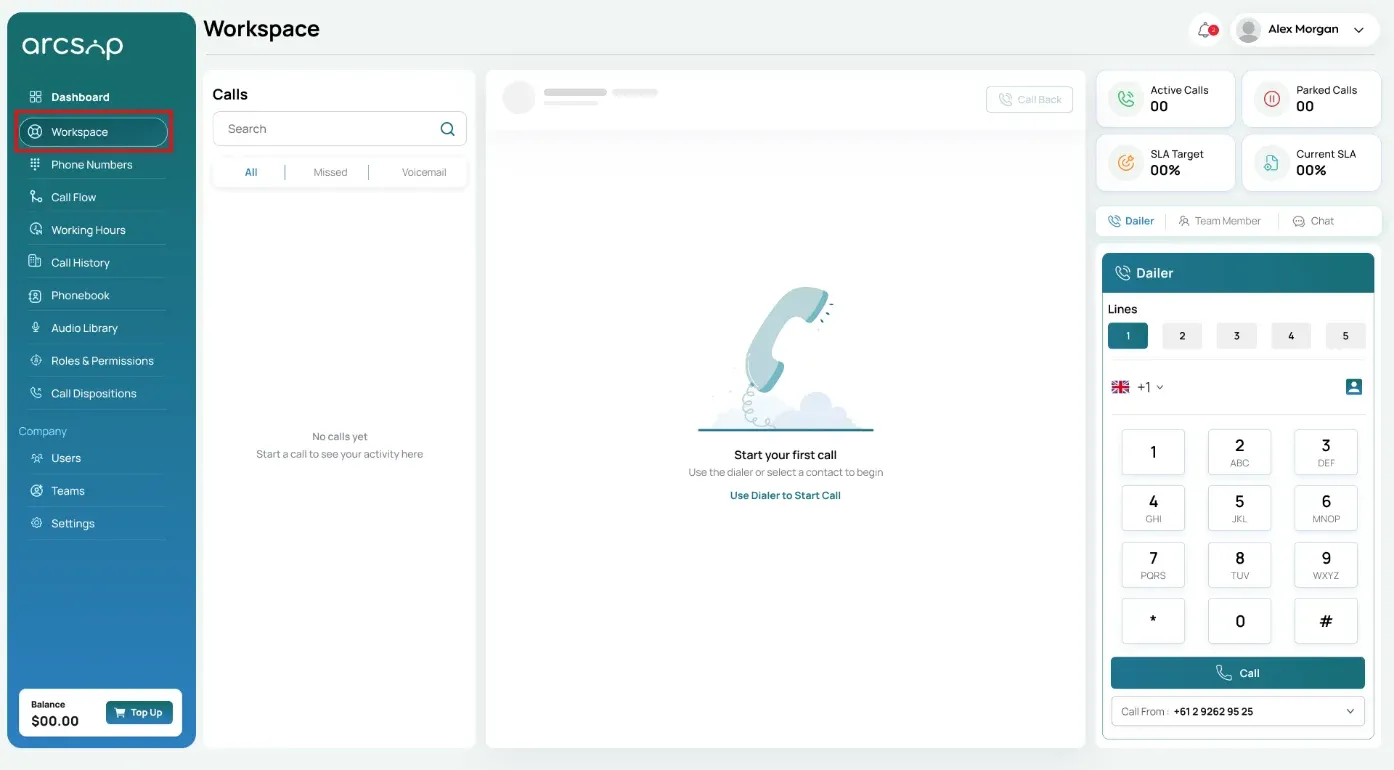
Sign in to your ArcSIP account, click workspace from the left-side menu. You will be redirected to the Workspace, where the dialer interface is available for making calls.
Select a Calling Line
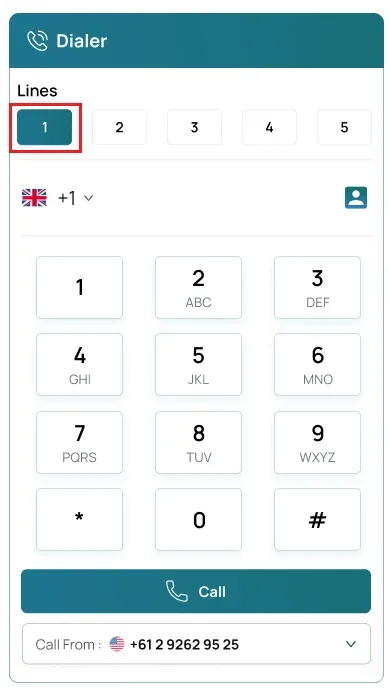
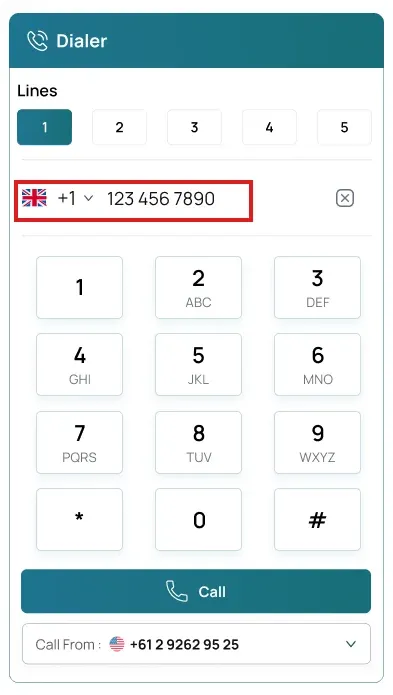
In the dialer interface, choose Line 1 to activate it as your calling line to place an outbound call.
Enter the Phone Number
Select the country code and enter the phone number in the correct format (e.g., +1 202 555 0143) using the dialer keypad.
Initiate the Call
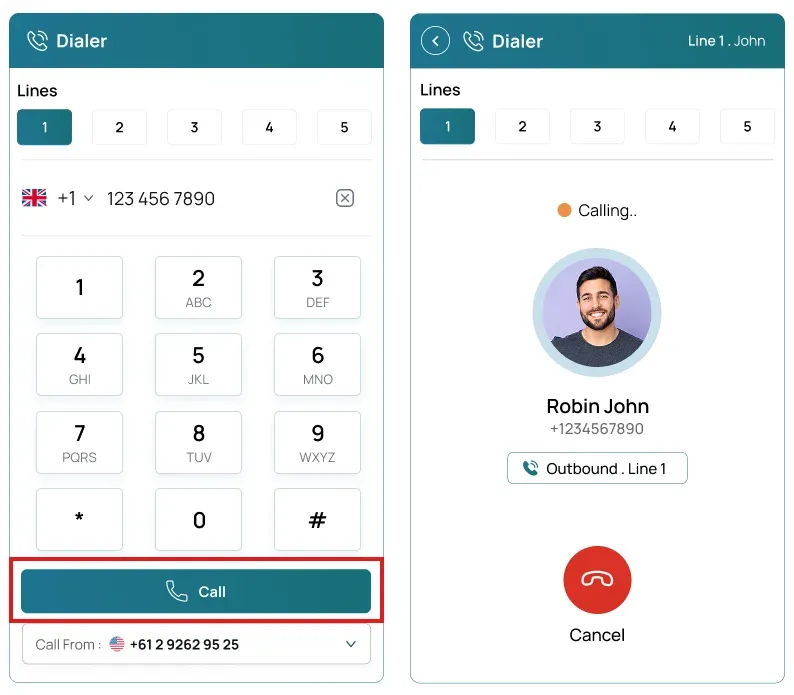
Click the Call button to initiate the call. The dialer will display the call status as Calling along with the recipient's number.
Call Connected
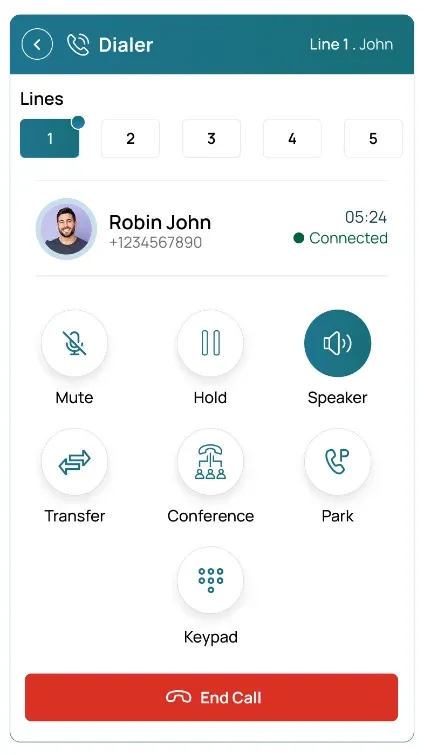
When the recipient answers, the call is successfully connected and the conversation can begin.