
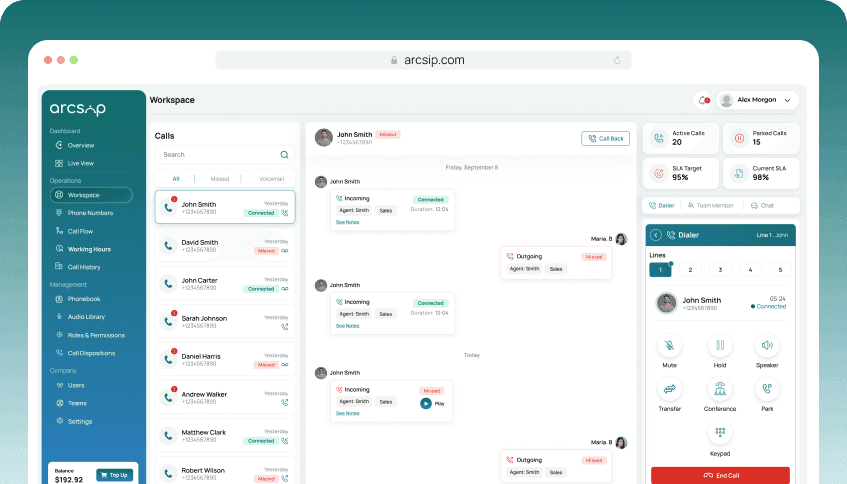
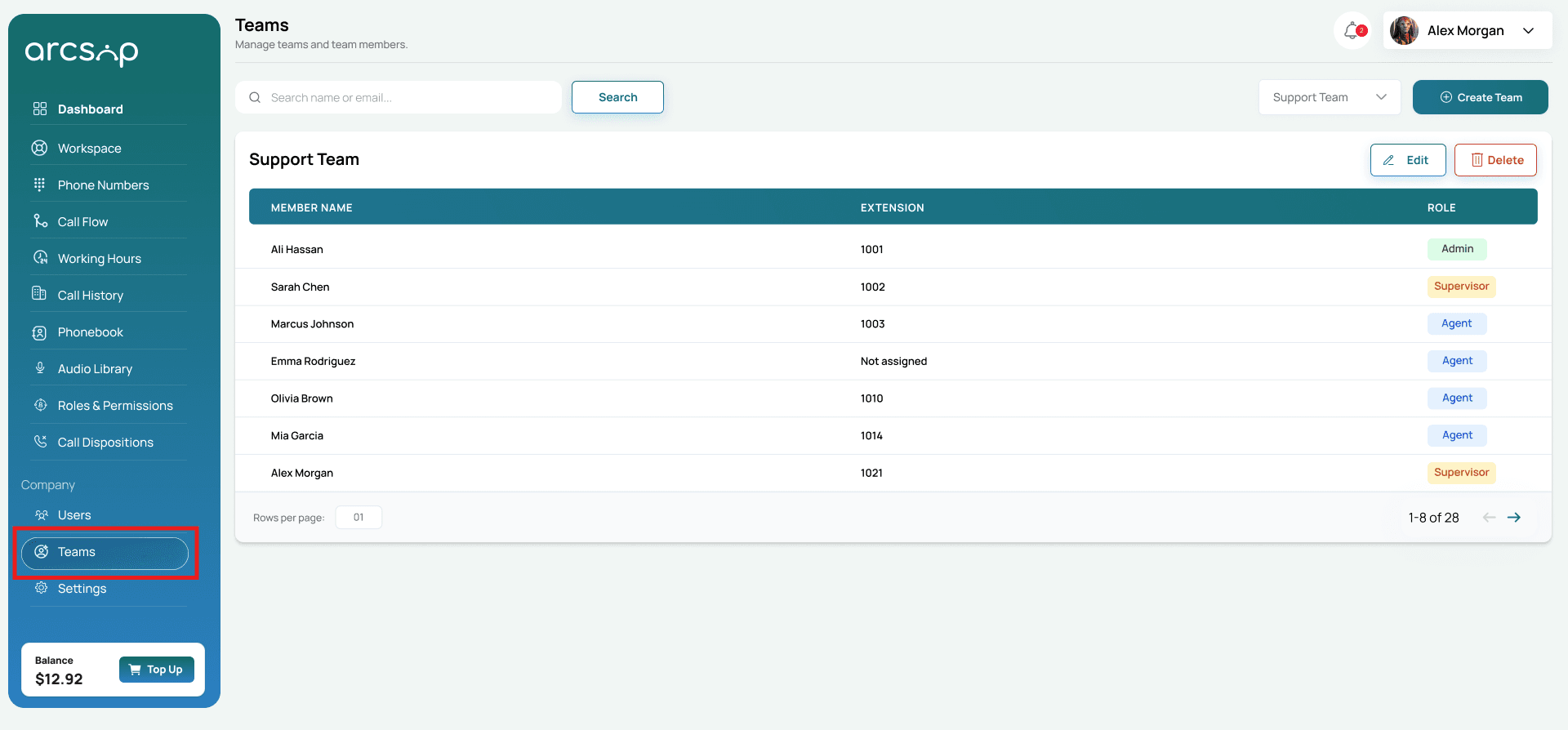
From the left menu, click Teams. You will be redirected to Teams Management.
Create a Team
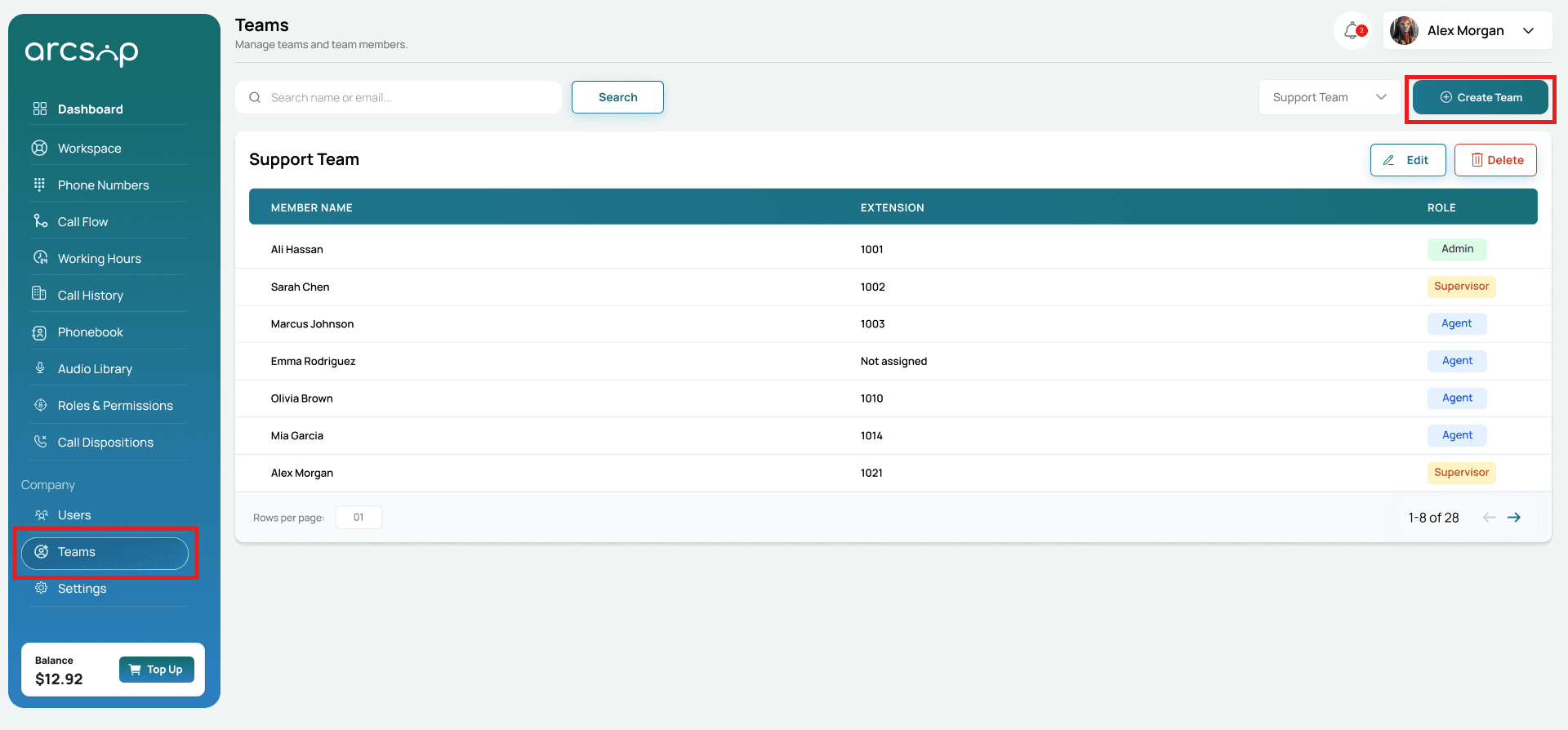
In the top-right corner, click the Create Team button.
Enter Team Details and Add Members
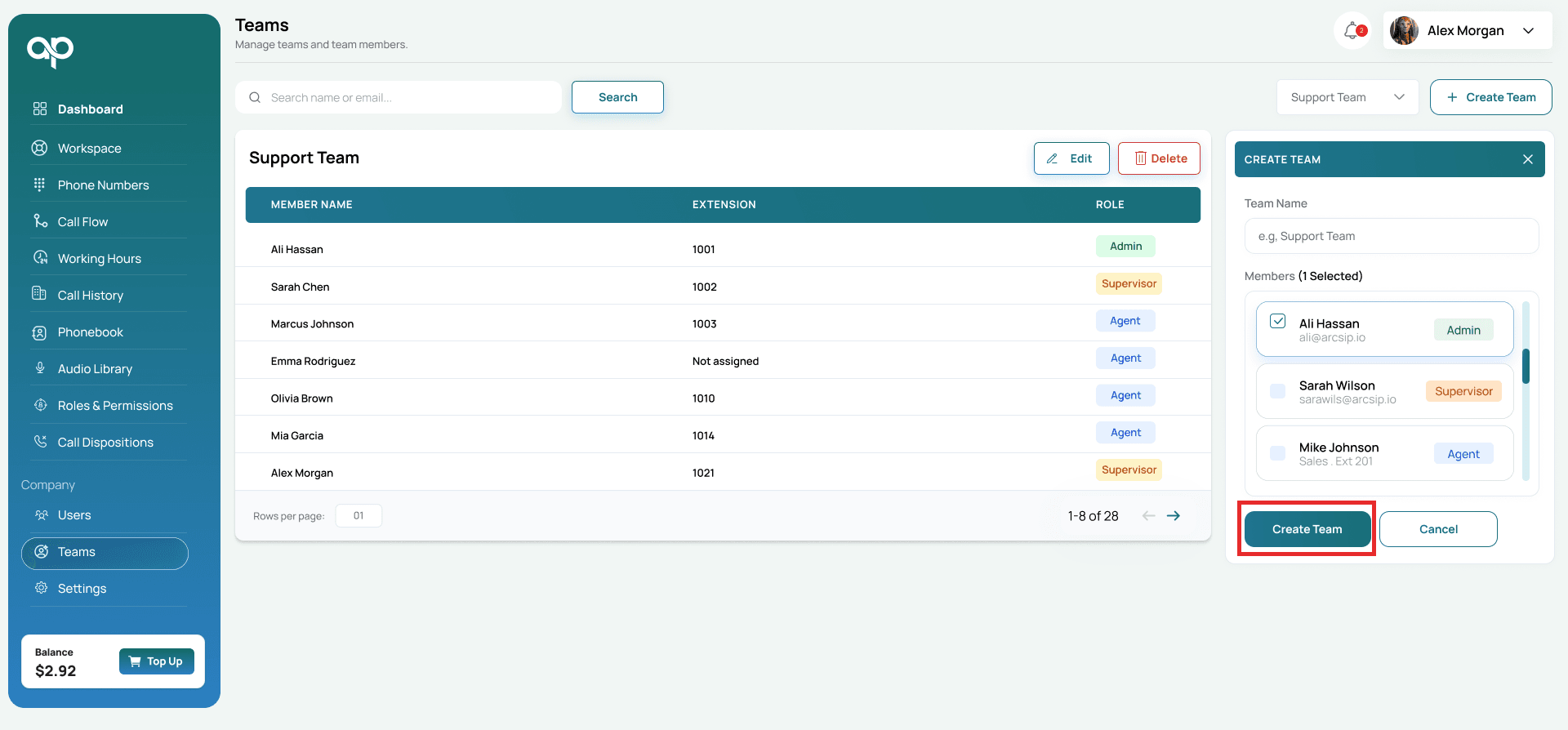
Enter the following details:
- Team Name: Enter the team name as required.
- Members: Select users to include in the team.
- Click Create Team to proceed with adding a new team in ArcSIP.