

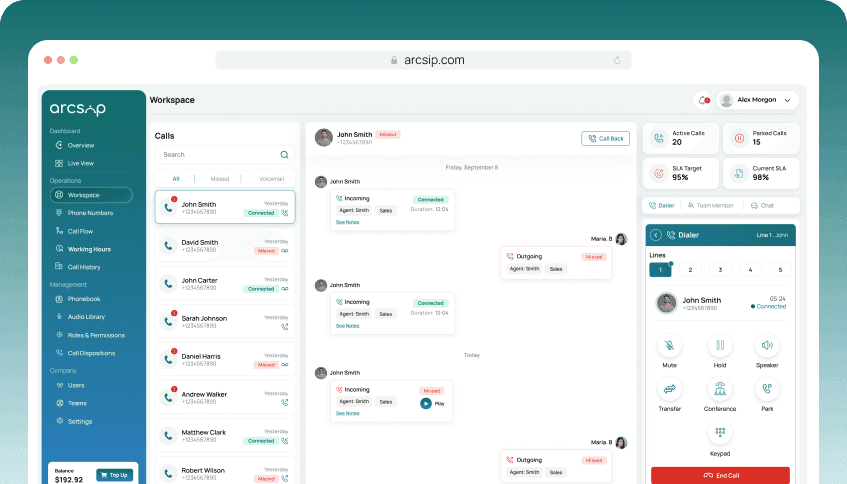
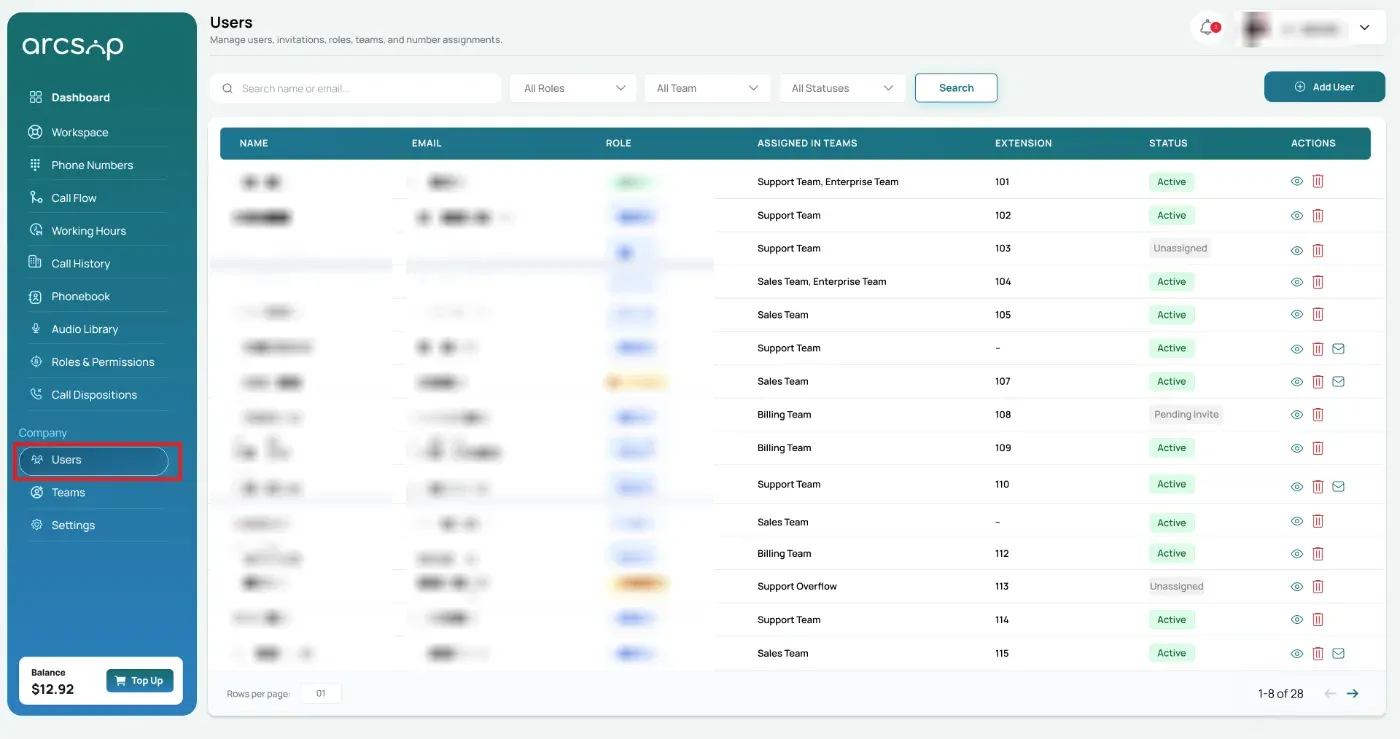
From the left menu, click Users. You will be redirected to Users Management.
Account Ownership Rules
User deletion can only be performed by Owners and Admins. Supervisors and Users do not have permission to delete user accounts.
- Each ArcSIP account can have only one account owner.
- The account owner cannot be deleted.
- Supervisors, Admins and Users cannot remove their own account.
Search and Filter Users
Search and filter users using available options such as name or email, role, team, and status to quickly locate a specific user.
Delete a User
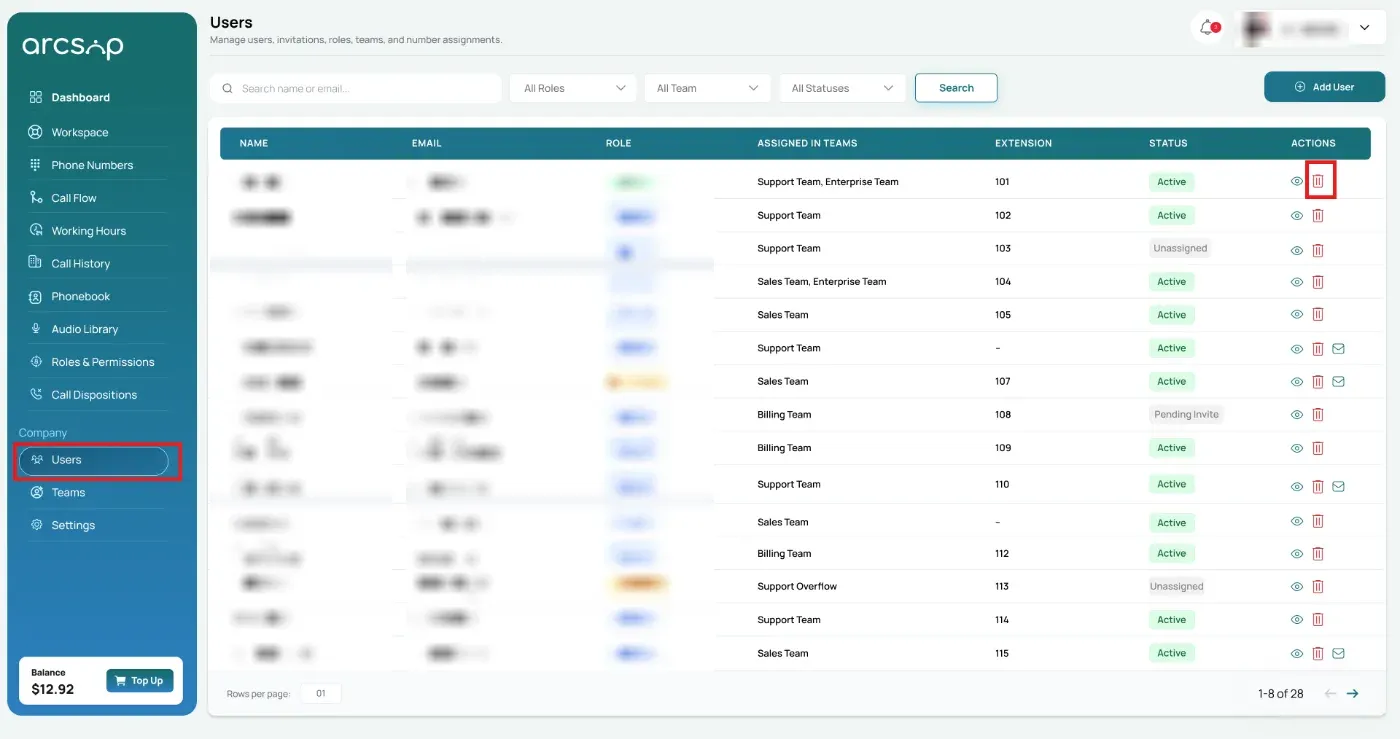
To delete a user from ArcSIP, go to the Actions column and click the Delete icon.
A confirmation popup will appear.
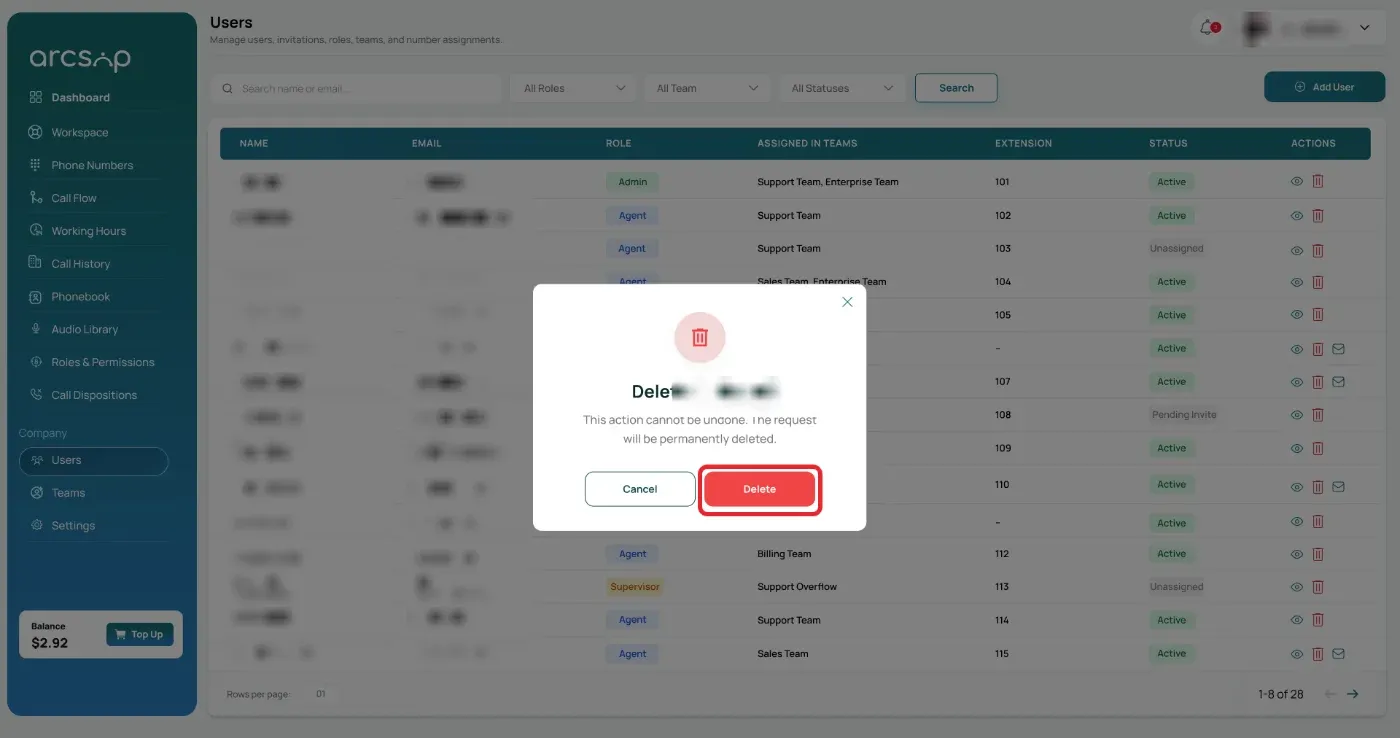
Confirm the action to permanently remove the user from ArcSIP. Once confirmed, the user will be deleted from ArcSIP.
Note: This action cannot be undone. Once a user is deleted, their account and access cannot be restored.
User Removal Impact
When a user is removed from ArcSIP:
- The user immediately loses access to ArcSIP and all applications, including web and mobile.
- Call recordings, call logs, and related data are not deleted when a user is removed. This information remains available for reference, as it is linked to phone numbers.